> For the complete documentation index, see [llms.txt](https://docs.wemix.fi/llms.txt). Markdown versions of documentation pages are available by appending `.md` to page URLs; this page is available as [Markdown](https://docs.wemix.fi/guides/claim.md).
# Claim
The Claim feature enables recovering unclaimed assets from discontinued services on WEMIX.Fi. This guide walks through checking and withdrawing remaining balances from legacy services.
{% hint style="info" %}
#### Prerequisites
Required items for Claim:
* Web3 wallet (WemixPLAY, MetaMask) set up for WEMIX3.0 network
* Assets deposited in discontinued services
* Native WEMIX to pay network transaction fees
{% endhint %}
***
{% stepper %}
{% step %}
## Accessing Claim
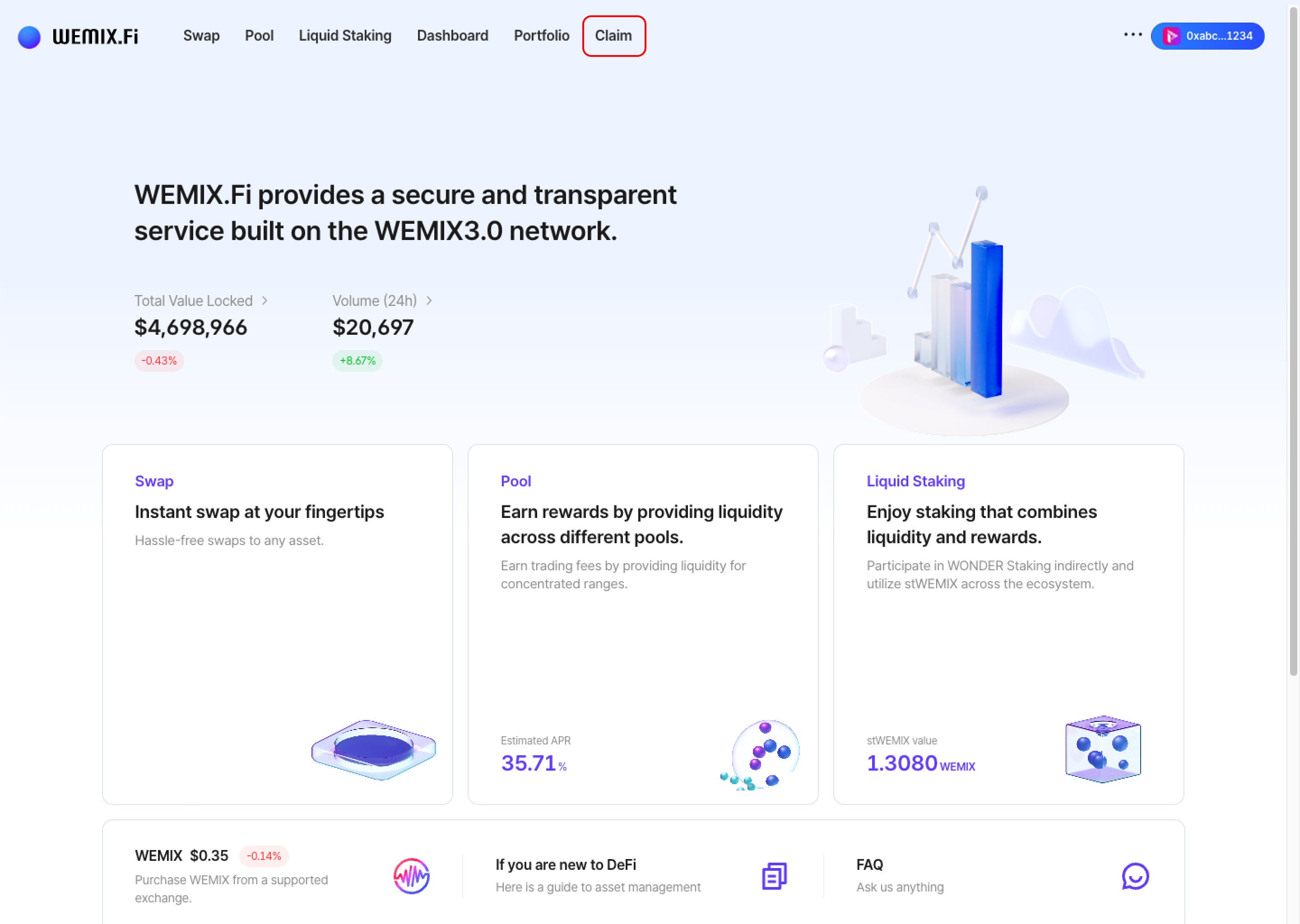
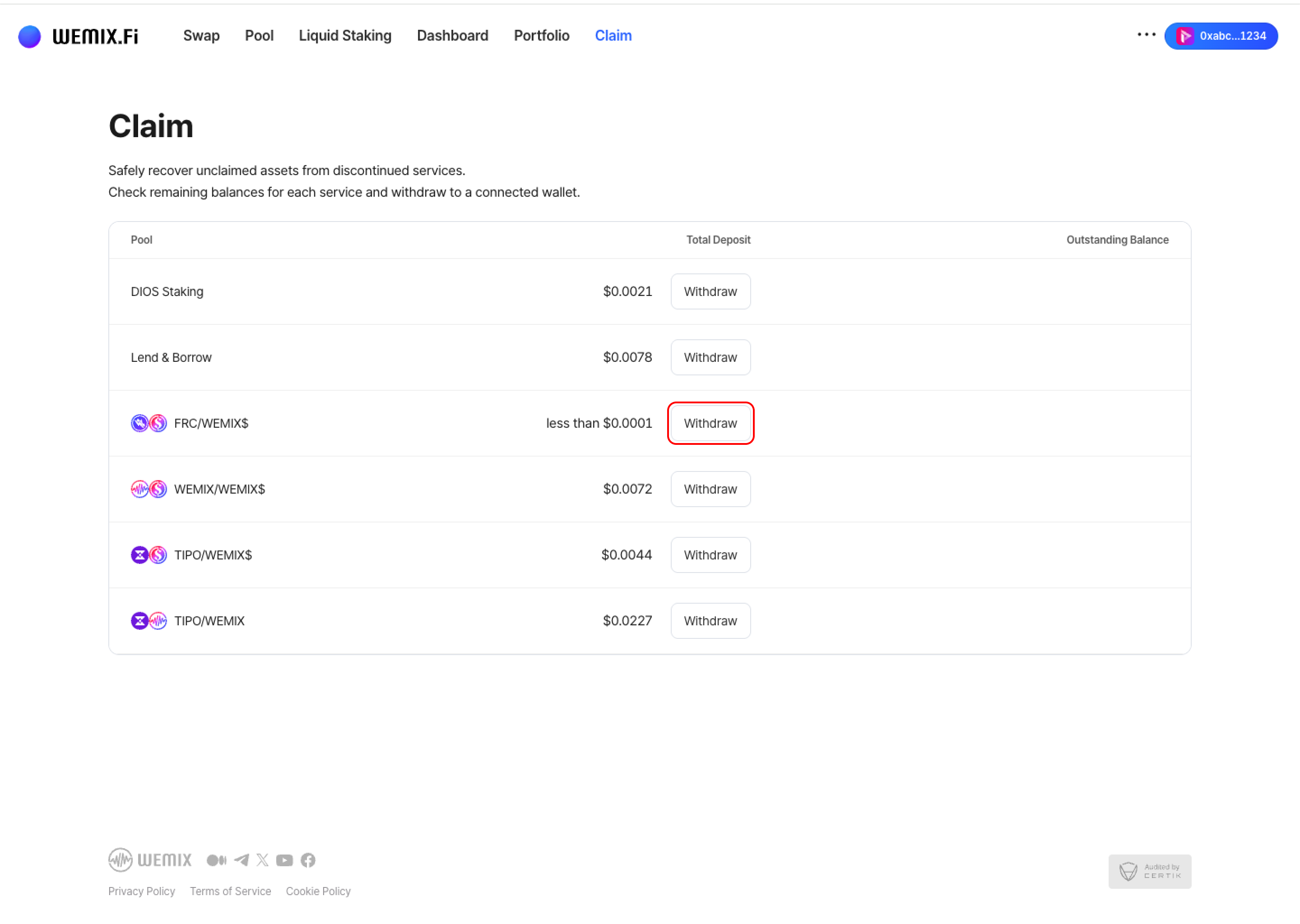
* Connect a wallet to WEMIX.Fi and navigate to the Claim page.
* The interface displays available assets from discontinued services associated with the connected wallet.
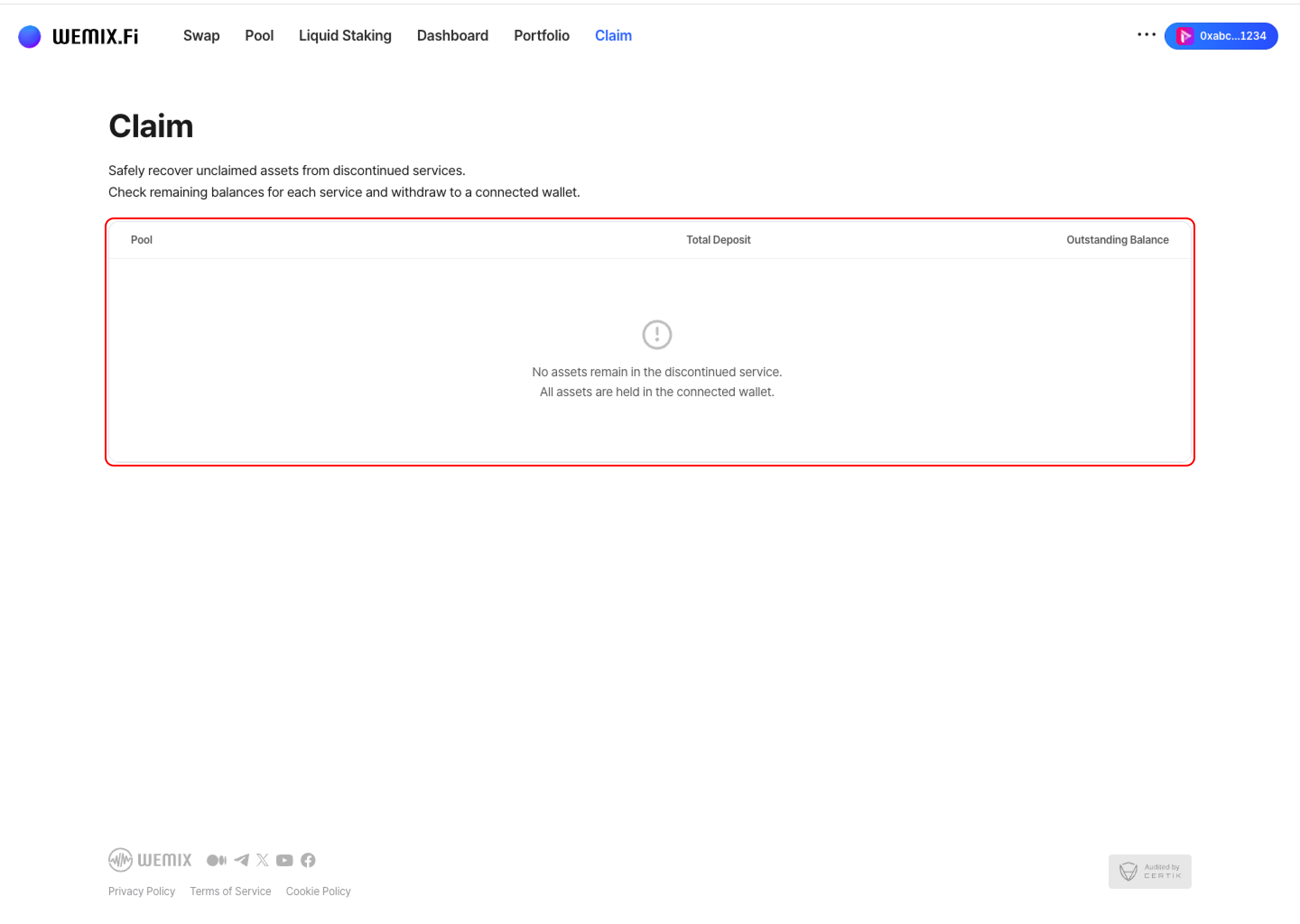
* If no claimable assets exist, the list remains empty.
{% endstep %}
{% step %}
## Viewing Claimable Assets
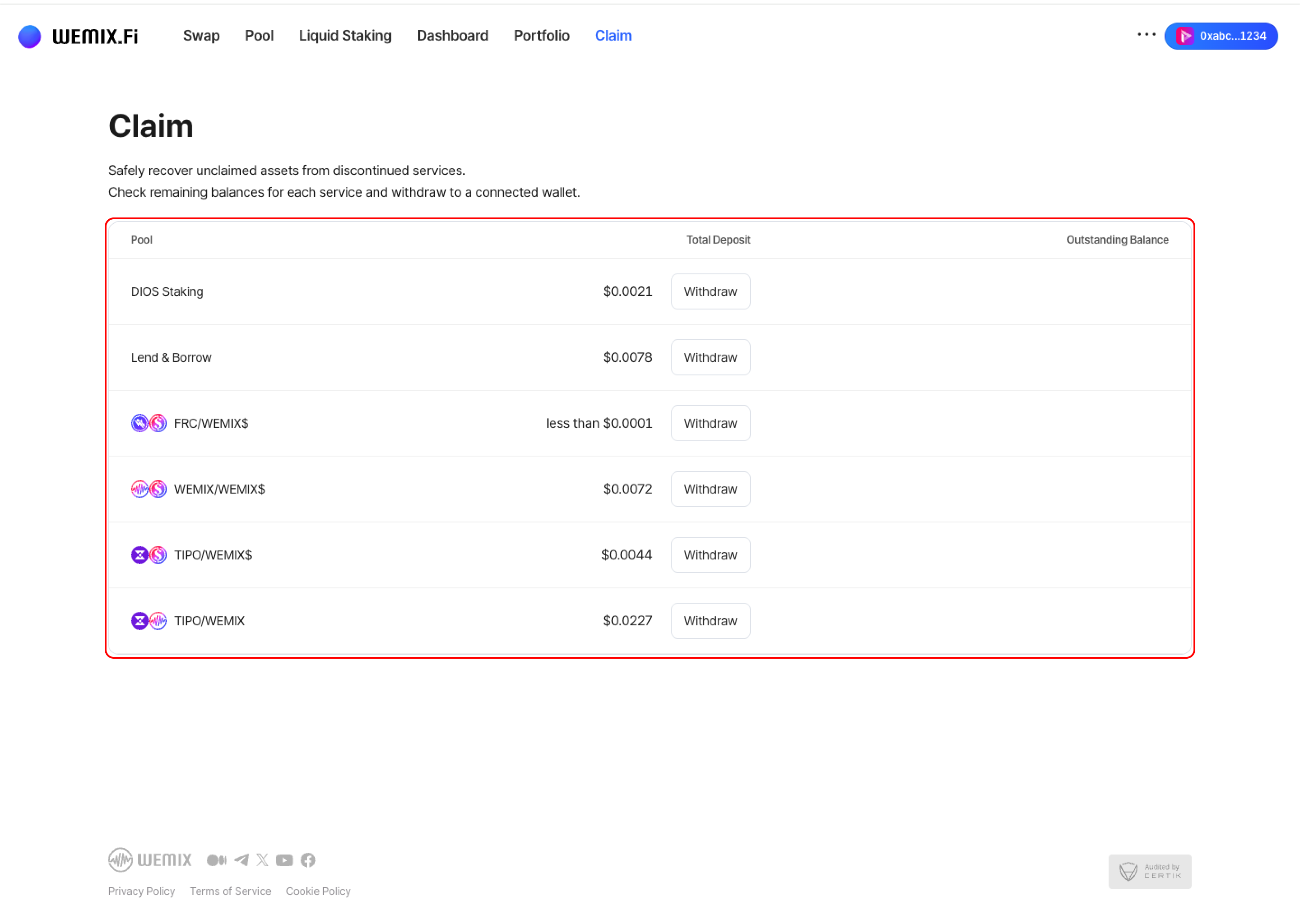
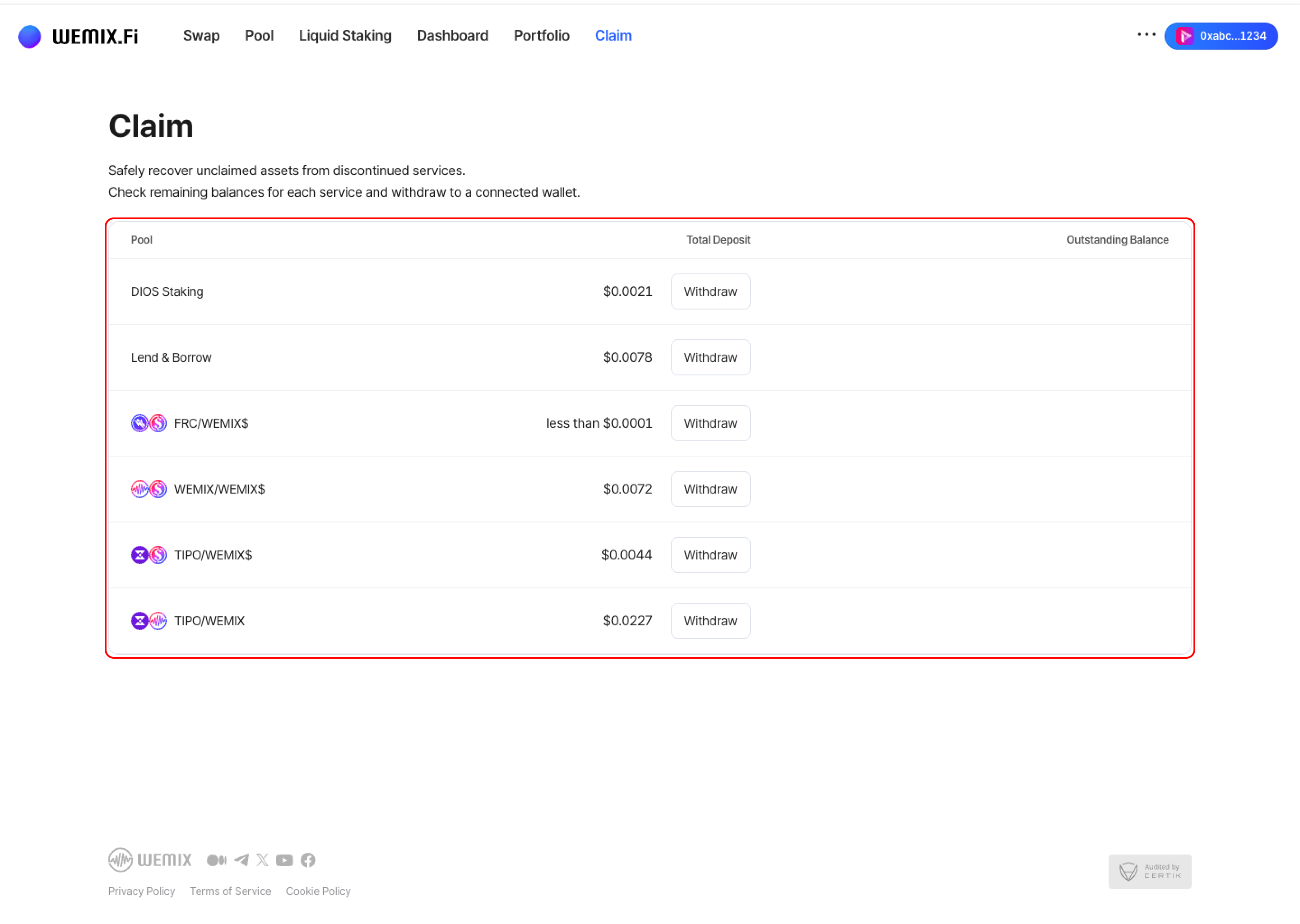
* The Claim page lists all discontinued services with remaining balances. Discontinued services include:
* GRAND Staking
* DIOS Staking
* Lend & Borrow
* Legacy Pool positions
* For each service, the interface displays:
* **Pool**: The specific service or pool name
* **Total Deposit**: Original deposit amount
* **Outstanding Balances**: Current claimable balance
{% endstep %}
{% step %}
## Withdrawing Assets
* Review the outstanding balances for each discontinued service. Select the Withdraw button next to the service to recover the assets.
{% endstep %}
{% step %}
## Executing the Transaction
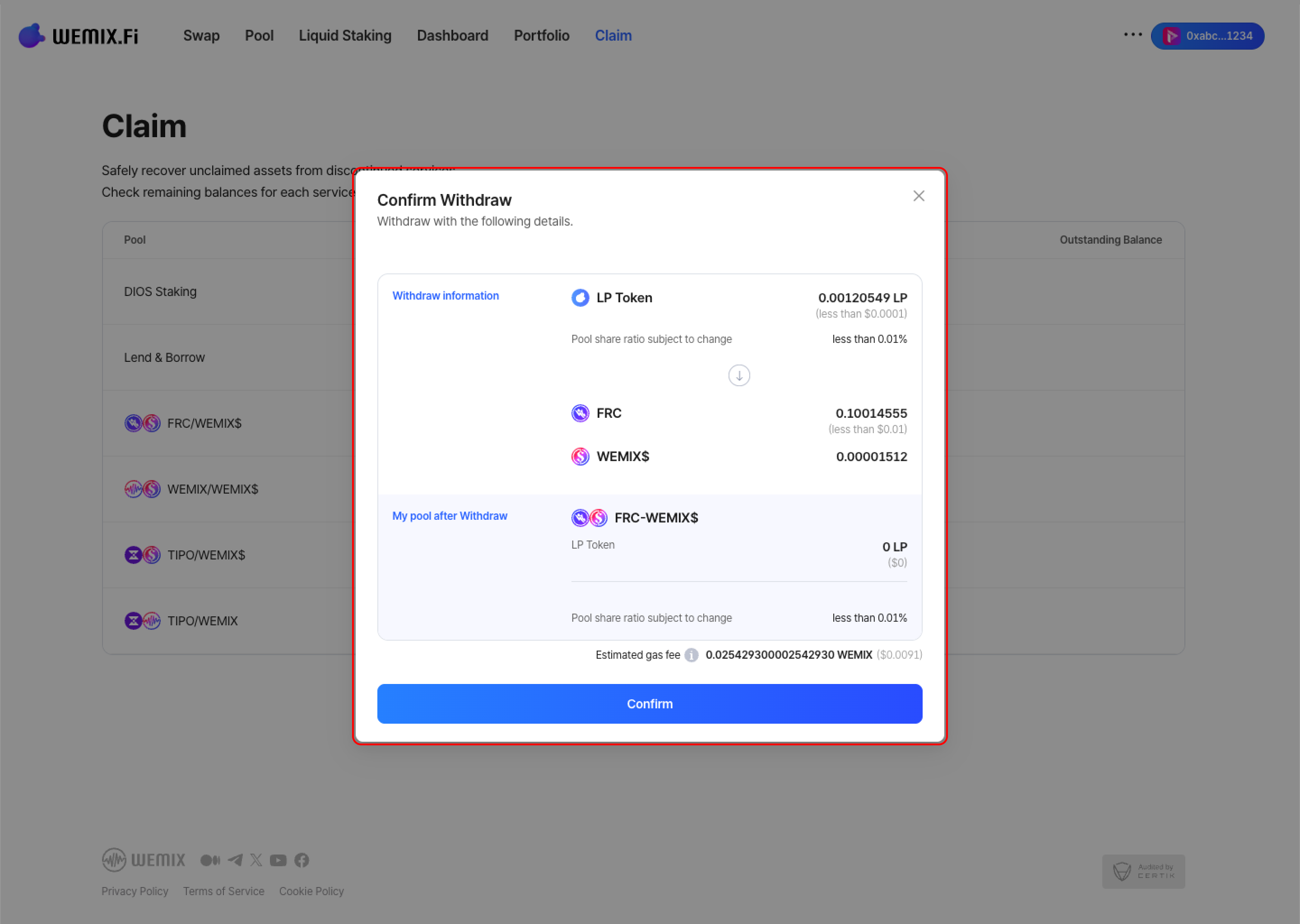
* Review the withdrawal details and confirm.
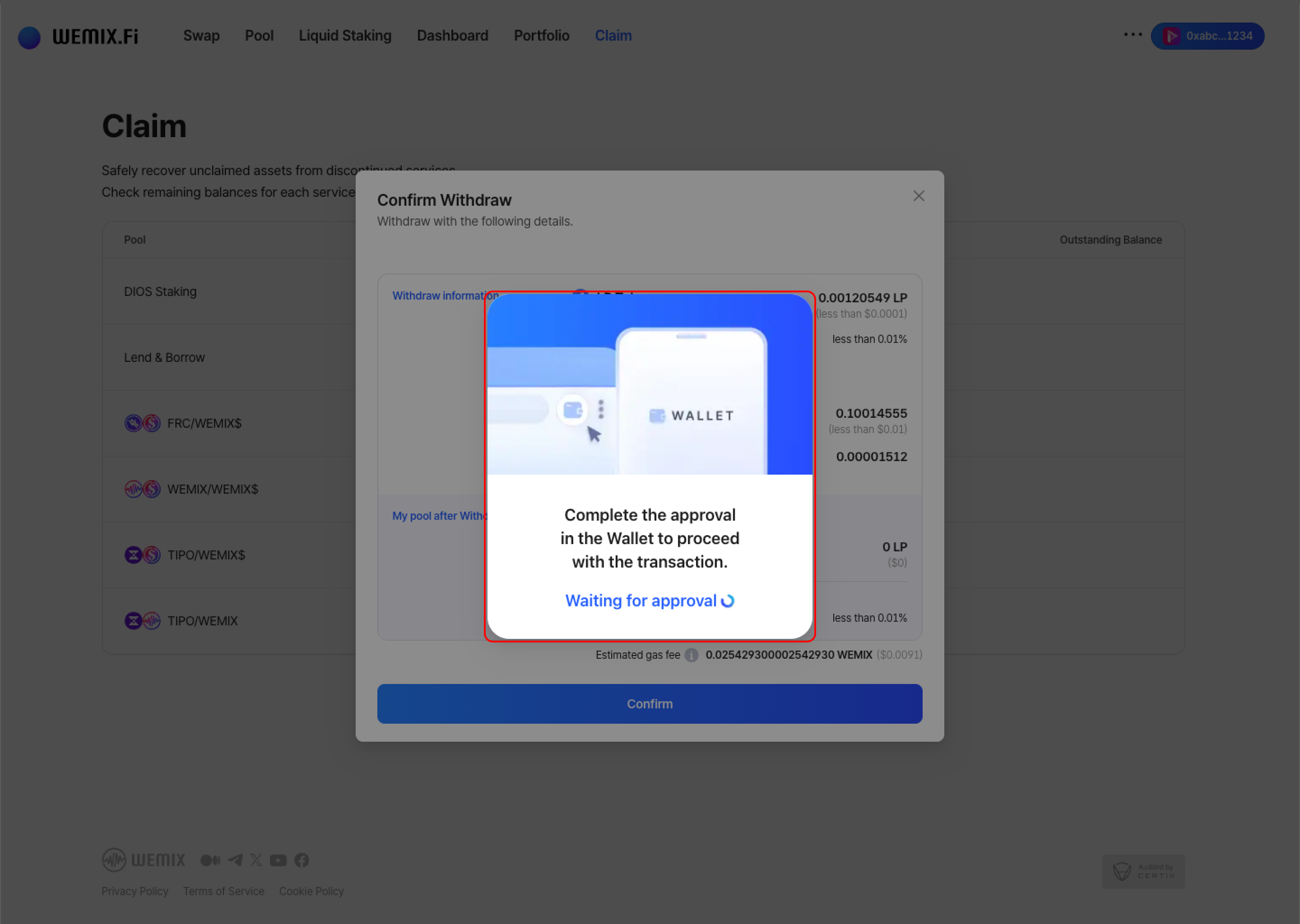
* The wallet requests approval to process the withdrawal. After approval, the transaction processes on the blockchain.
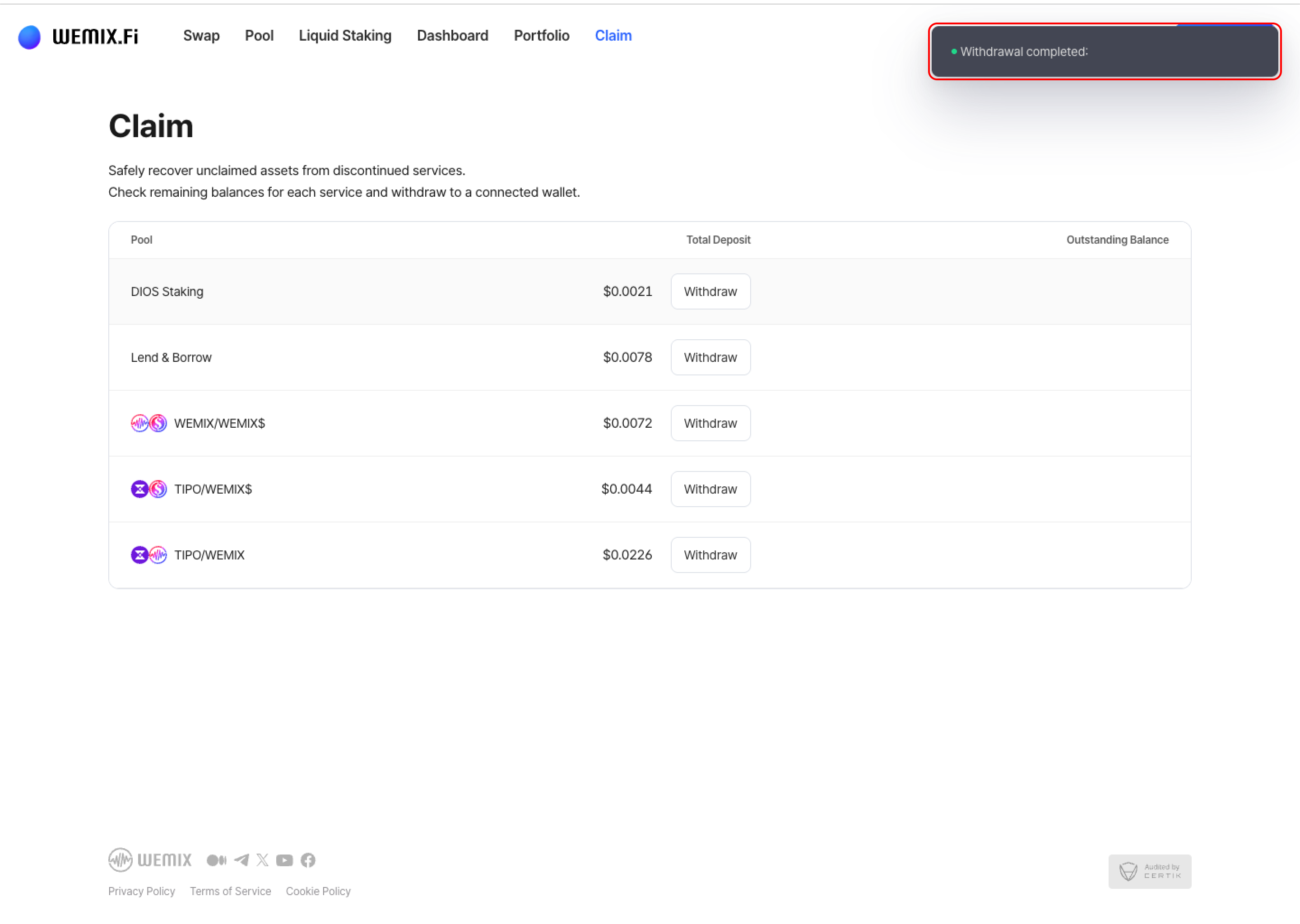
* A confirmation notification appears upon successful completion, and recovered assets are transferred to the wallet.
{% endstep %}
{% endstepper %}