> For the complete documentation index, see [llms.txt](https://docs.wemix.fi/llms.txt). Markdown versions of documentation pages are available by appending `.md` to page URLs; this page is available as [Markdown](https://docs.wemix.fi/guides/swap.md).
# Swap
The Swap feature allows direct exchange of tokens on WEMIX.Fi. This guide walks through the complete process from connecting a wallet to completing a transaction.
{% hint style="info" %}
#### Prerequisites
Required items for Swap:
* A Web3 wallet(WemixPLAY, MetaMask) set up for WEMIX3.0 network
* Tokens to swap in the wallet
* Native WEMIX to pay network transaction fees
{% endhint %}
***
{% stepper %}
{% step %}
## Starting a Swap
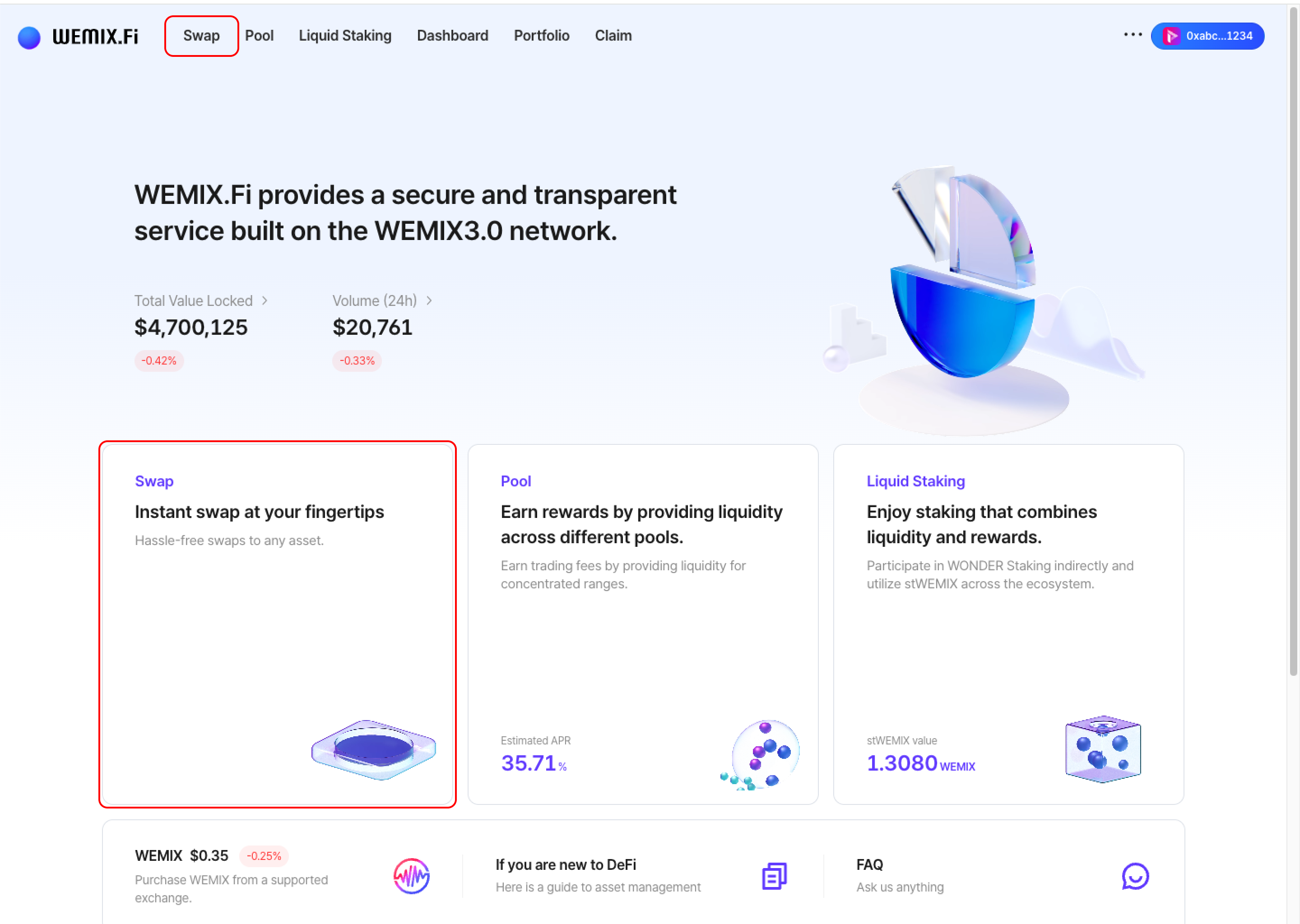
* Connect a wallet to WEMIX.Fi and navigate to the Swap page.
{% endstep %}
{% step %}
## Select Tokens
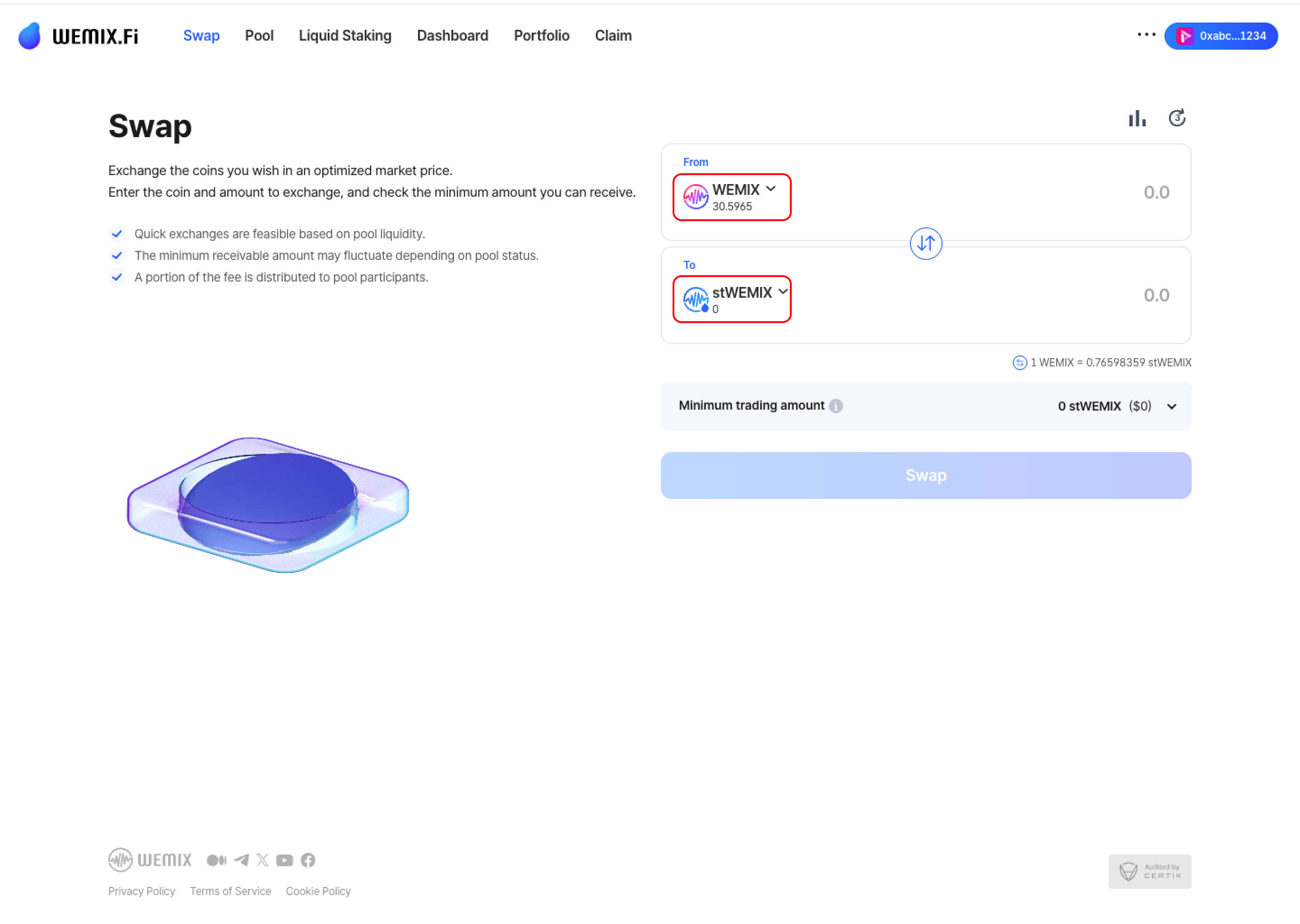
* Choose the source token (From) and destination token (To). The interface displays available wallet balances.
{% endstep %}
{% step %}
## Enter Amount
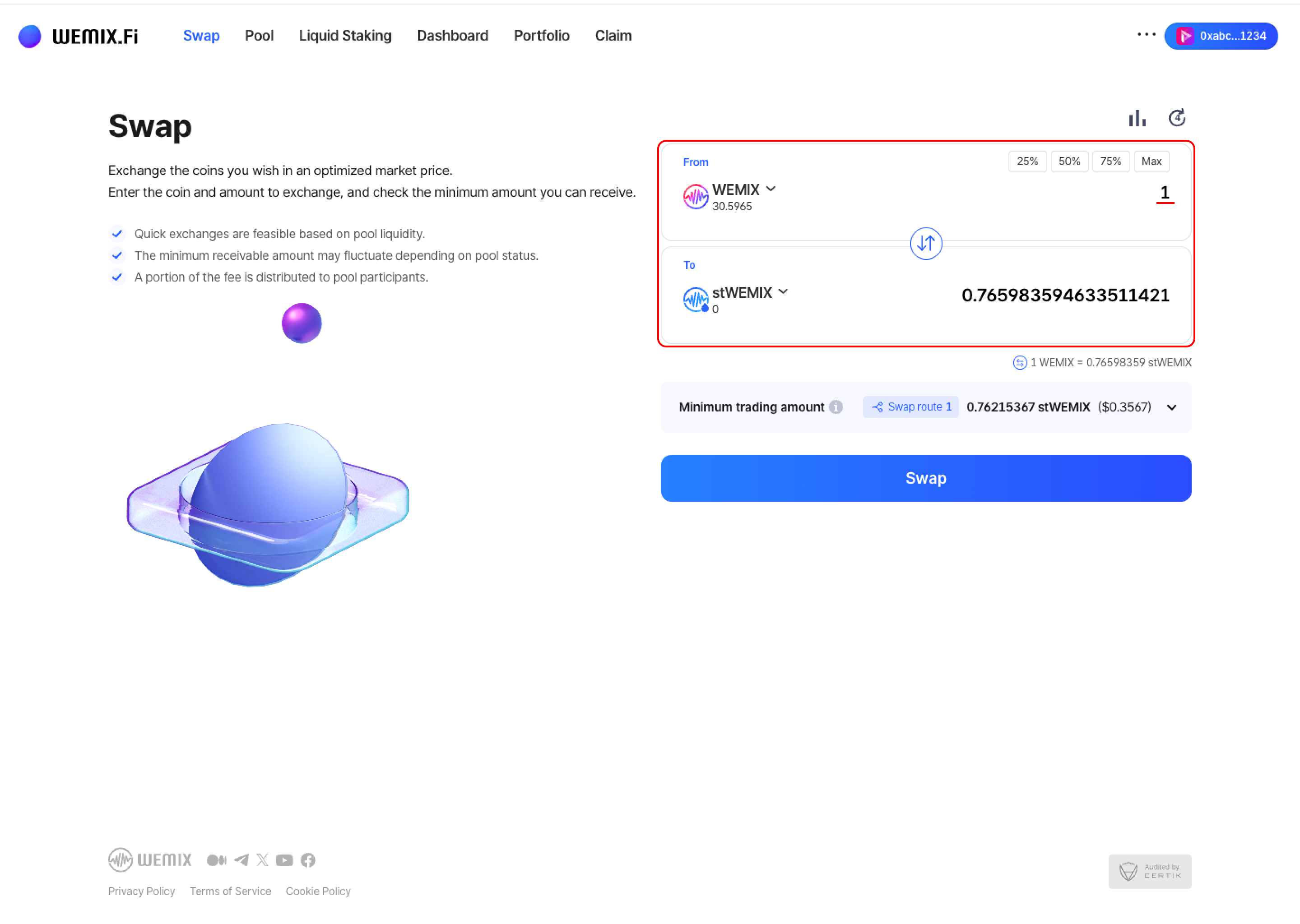
* Input the swap amount. The interface calculates the estimated output based on current rates.
{% endstep %}
{% step %}
## Swap Details
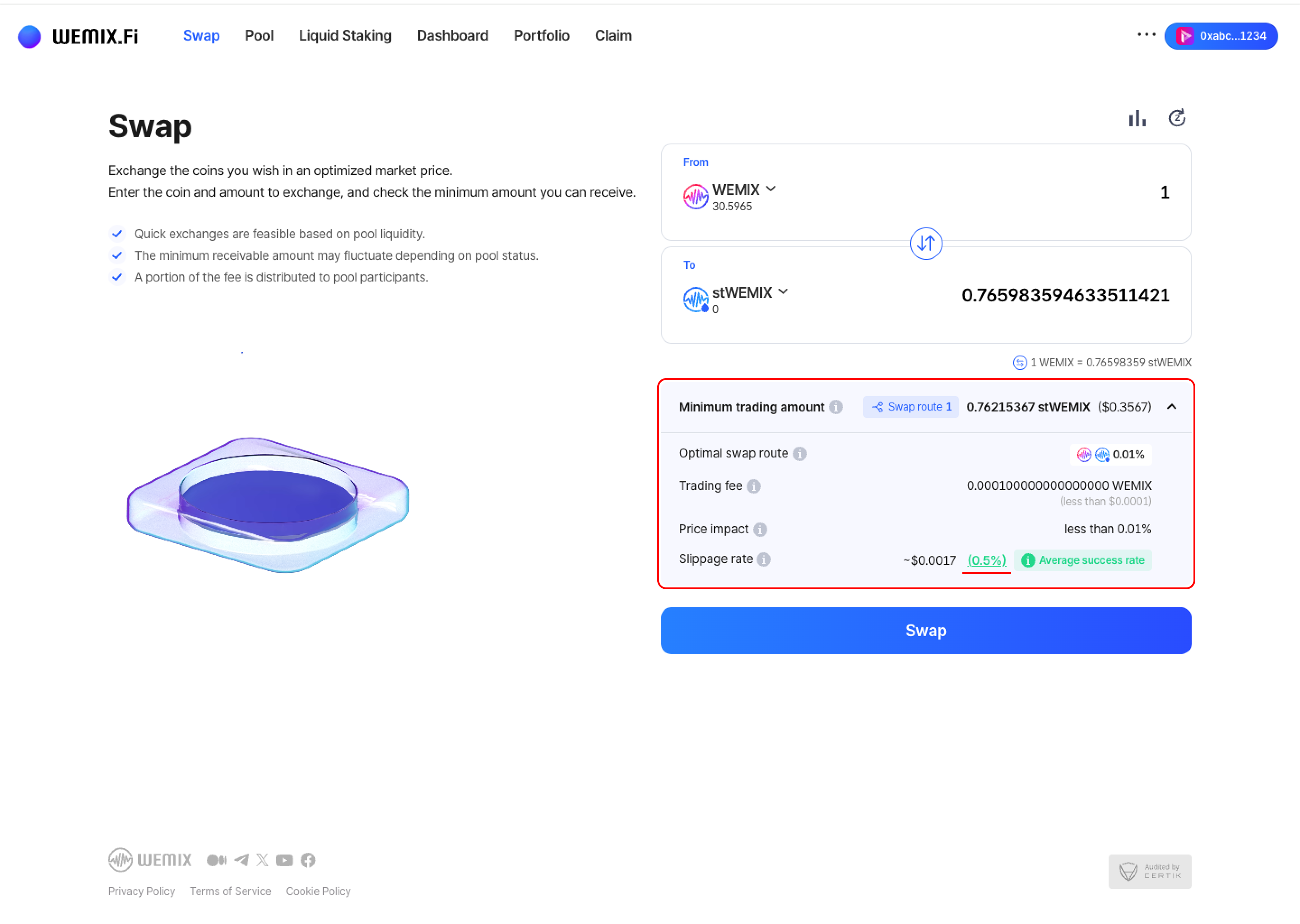
* The interface provides key transaction information:
* **Minimum Trading Amount:** The minimum guaranteed output after accounting for fees, slippage, and price changes.
* **Optimal Swap Route:** The most efficient path through liquidity pools for the best rate. Routes may include intermediate tokens.
* **Trading Fee:** Fee rates vary based on the liquidity pool's fee tier configuration.
* **Price Impact:** The effect of trade size on token price. Larger trades create higher price impact and less favorable rates.
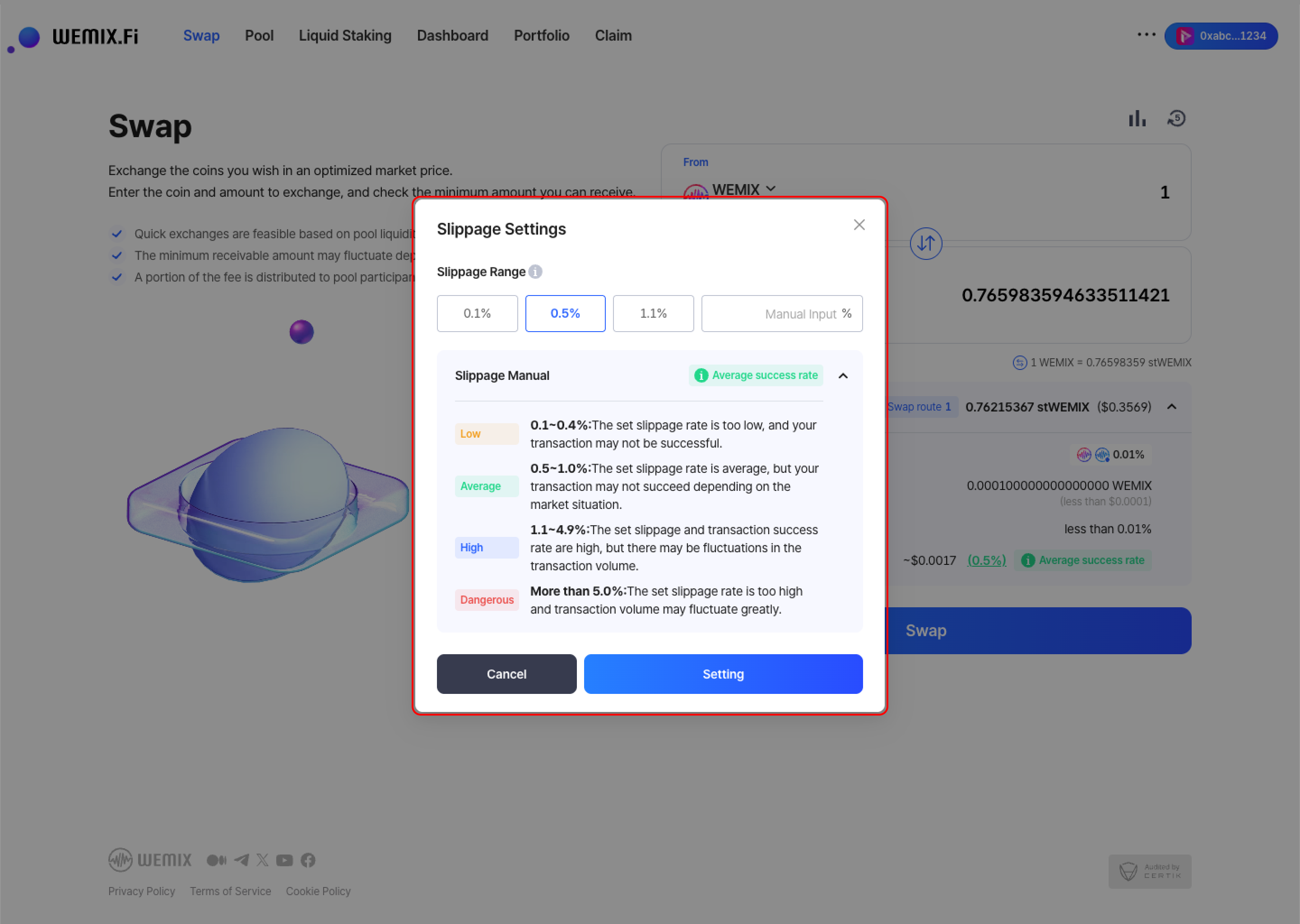
* **Slippage Rate:** Maximum acceptable price deviation during execution. Options include 0.1%, 0.5%, 1.1%, or custom input. Lower slippage provides protection but risks transaction failure. Higher slippage increases success rate but permits greater price variation.
{% endstep %}
{% step %}
## Executing the Swap
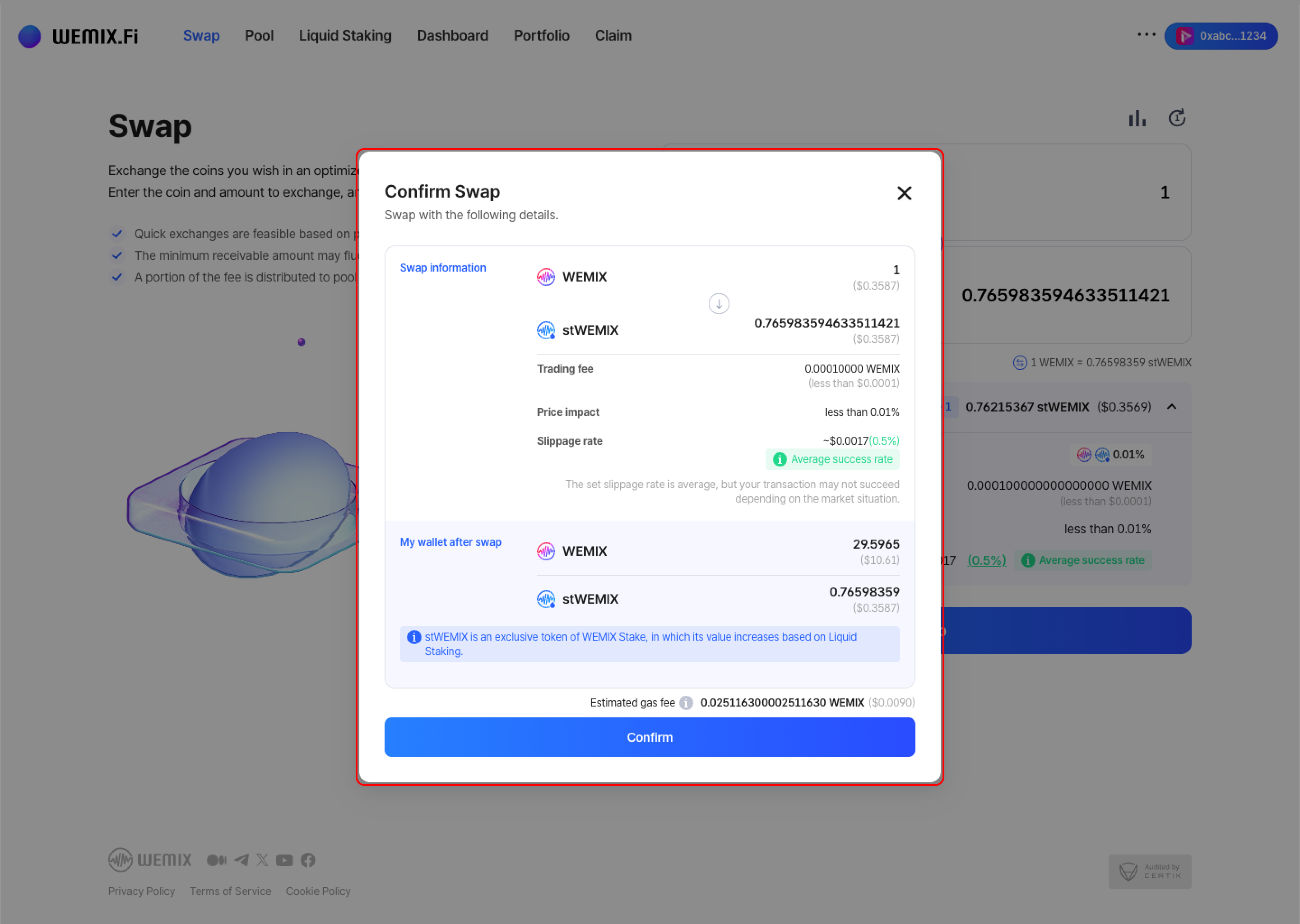
* Review the transaction details and confirm.
{% endstep %}
{% step %}
### Executing the Swap
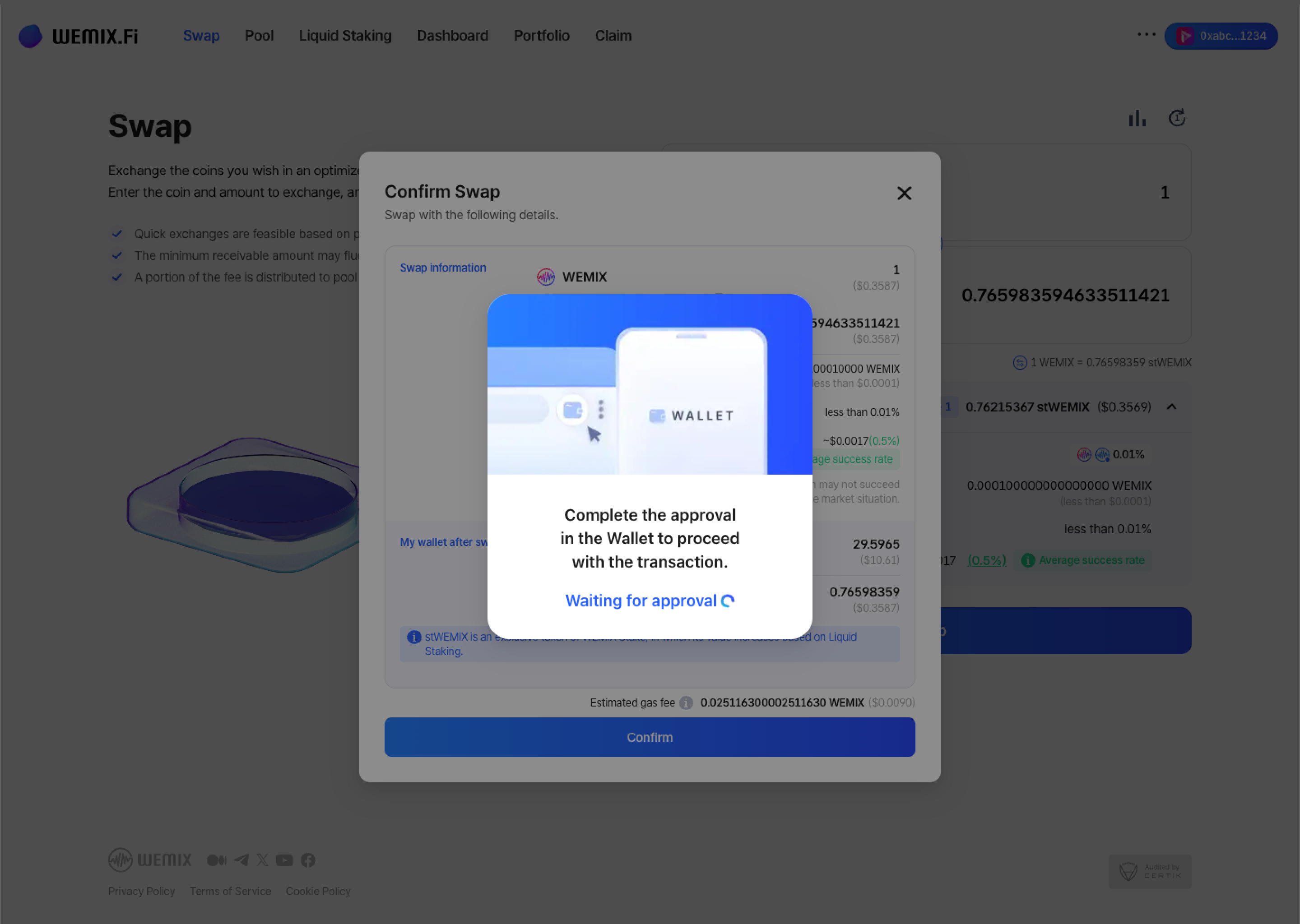
* The wallet requests approval - first-time token swaps may require additional contract approval. After approval, the transaction processes on the blockchain.
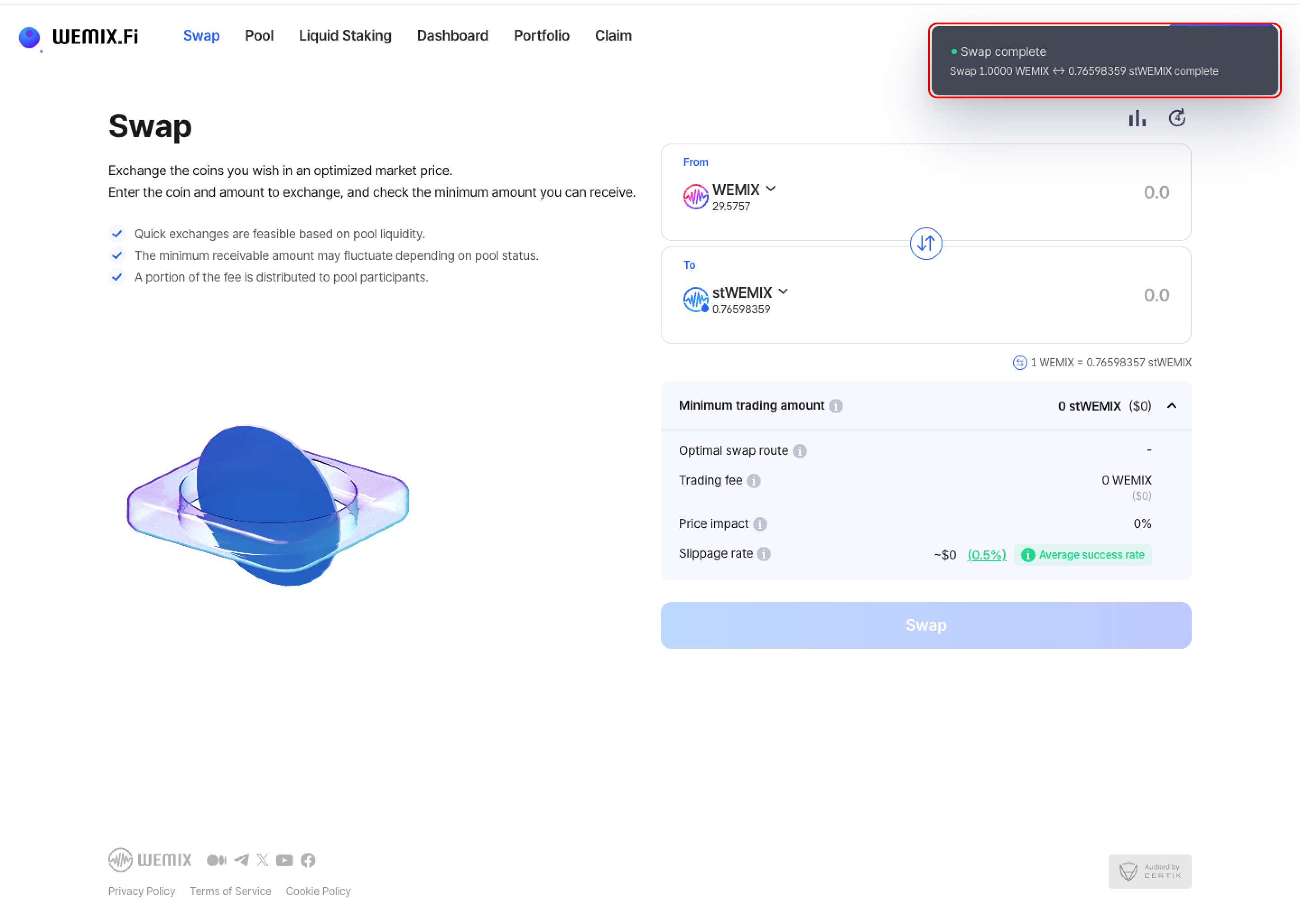
* A confirmation notification appears upon completion.
{% endstep %}
{% step %}
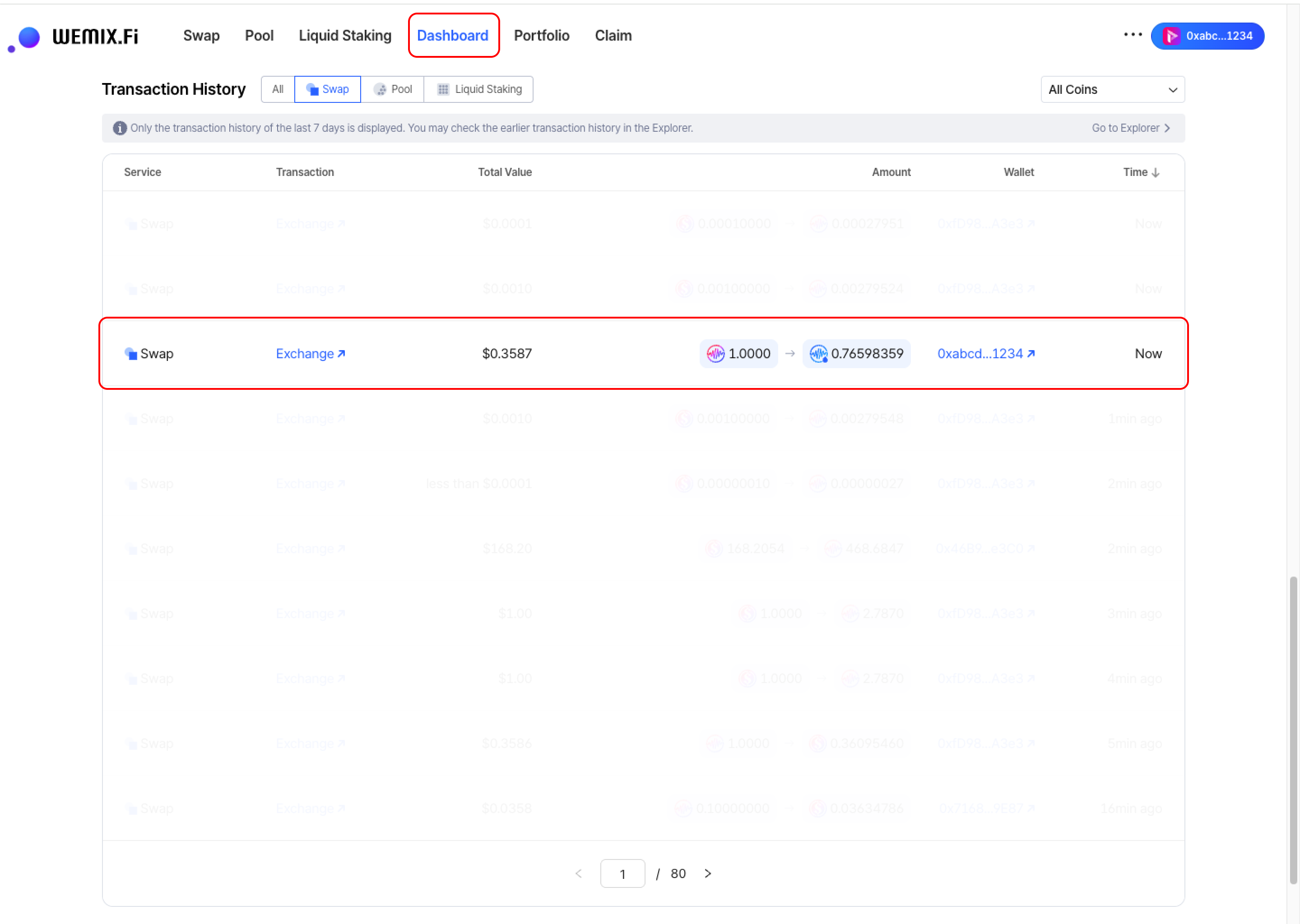
## Transaction History
* Completed swaps appear in the Dashboard's Transaction History.
{% endstep %}
{% endstepper %}